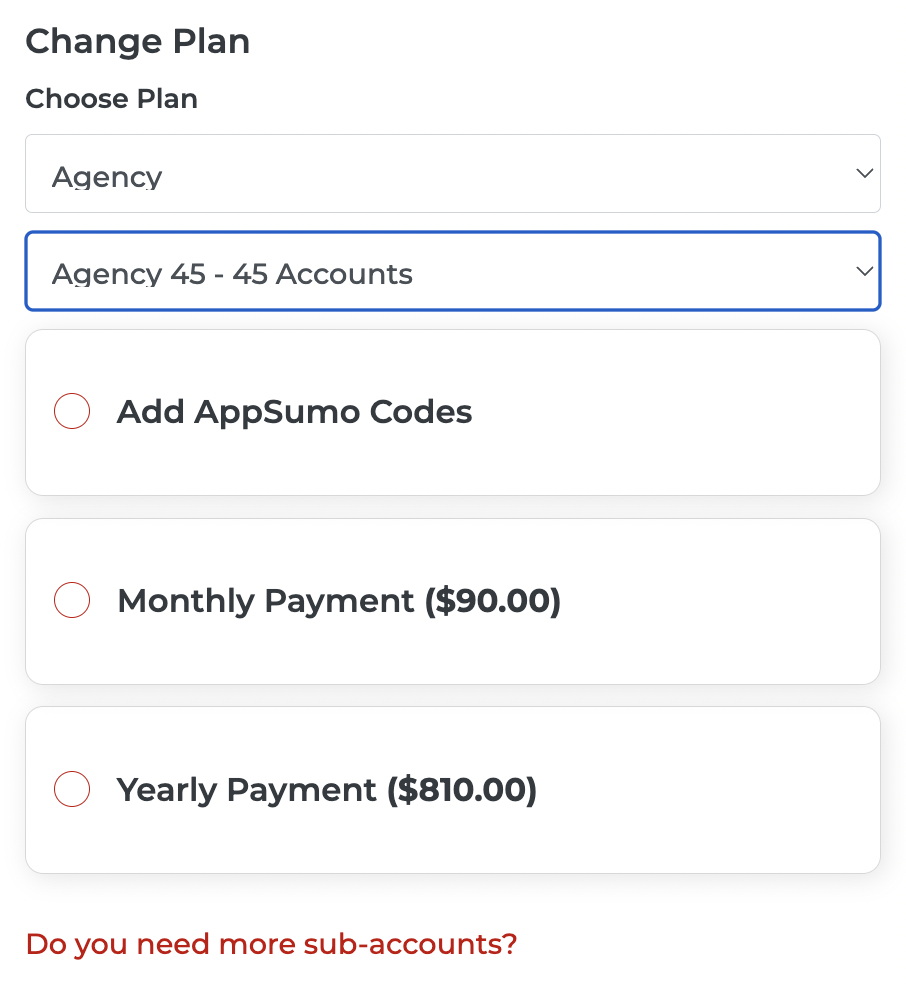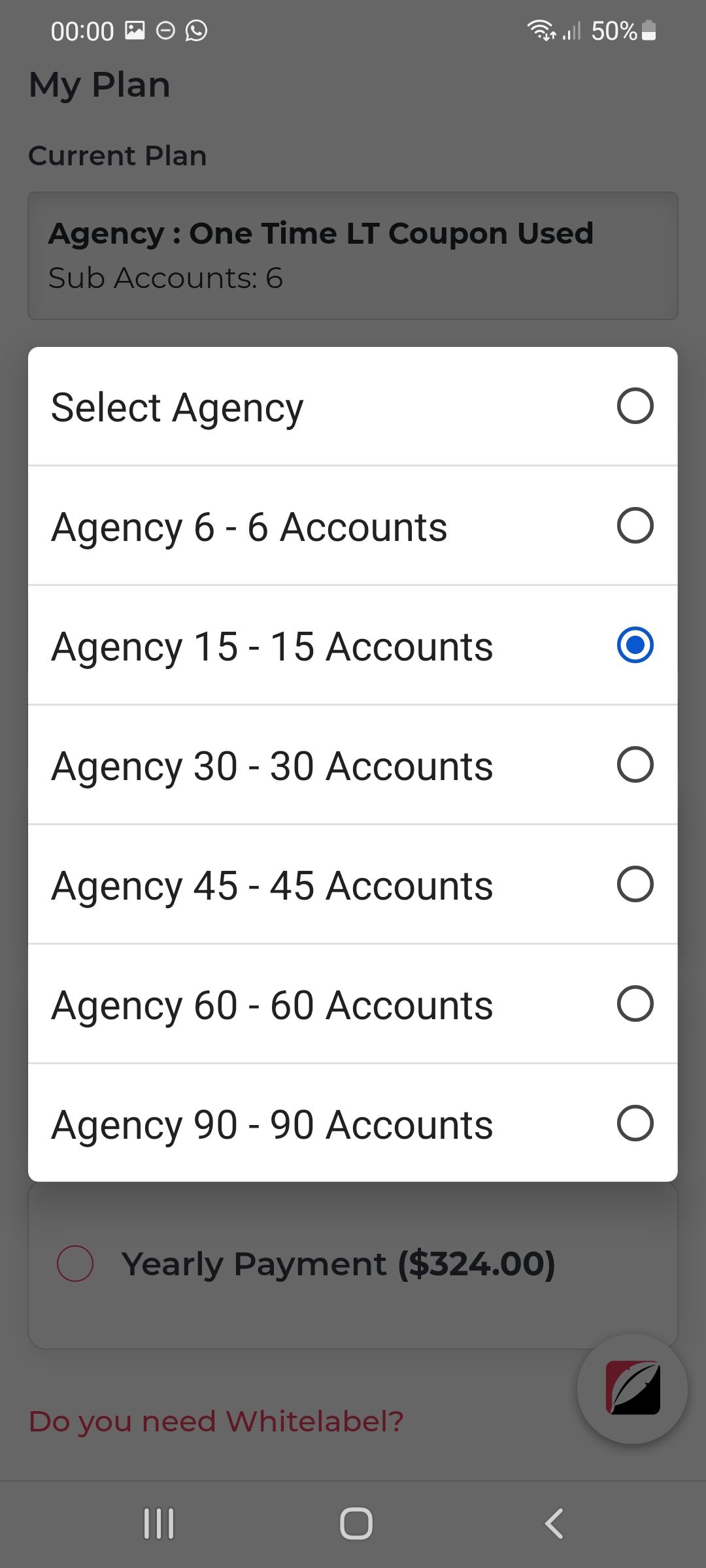
Upgrading your account is very straightforward! You can do this by going to Settings -> Profile Settings -> My Plan -> Change Plan and selecting the plan you wish to upgrade to, then selecting "Add AppSumo Codes" and entering the appropriate number of codes to upgrade!